 SPLAY
SPLAYNorthern Virginia / Washington, DC
On-premises AI installation and support
Splay installs customer-owned AI hardware and models in your building. Based in Stafford, Virginia, we help local organizations select a configuration, prepare staff access, and operate the system after handoff.
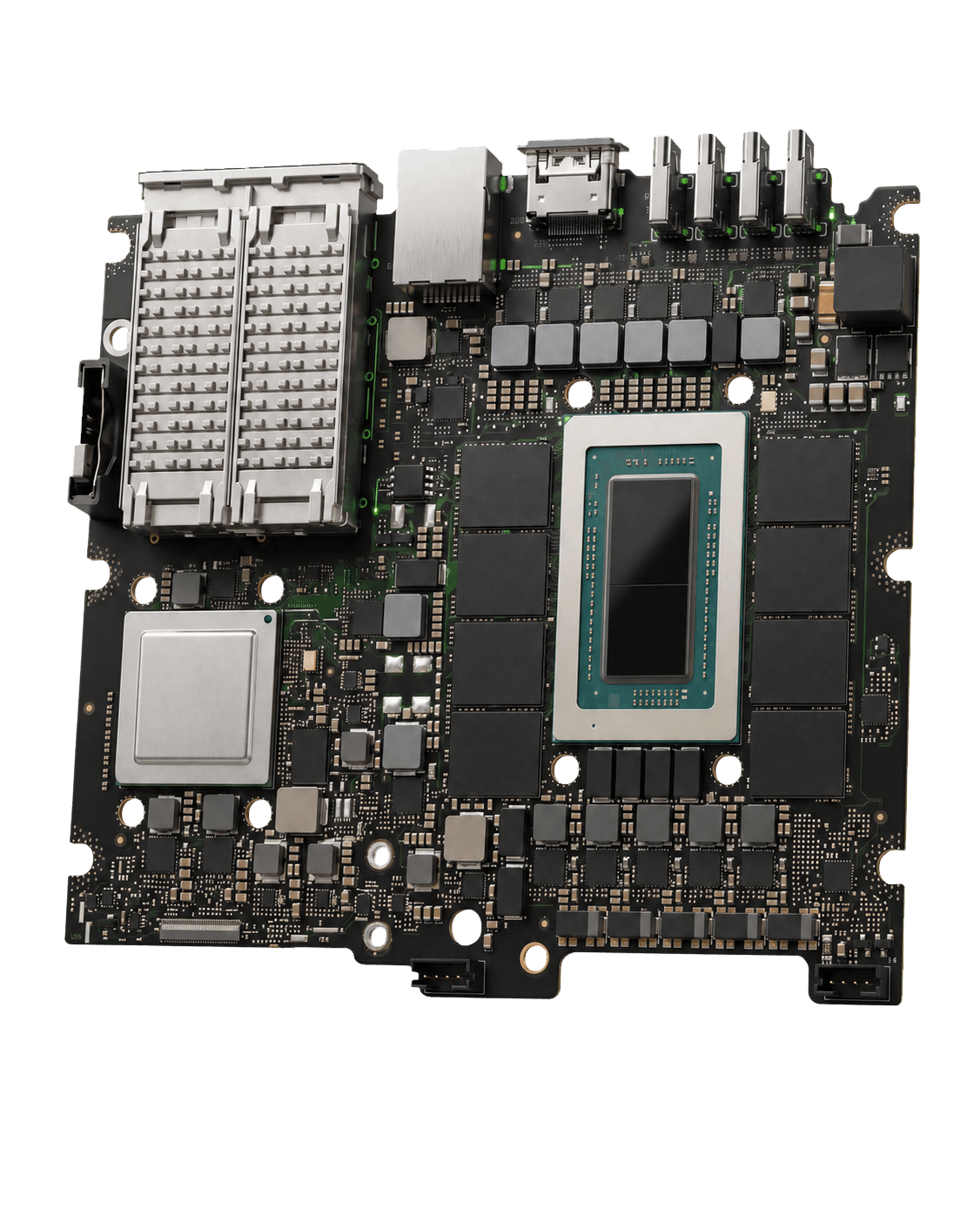
PRE-ORDER ONLY / GENERAL SALES NOT YET OPEN
Machines and services are by consultation only. Your proposal confirms the hardware, model, installation scope, and delivery timing.
Service area
Stafford, Northern Virginia, and DC
We serve Stafford County, Prince William County, Fairfax County, Arlington, Alexandria, Loudoun County, and Washington, DC.
Installations are planned around your location, network, and operating requirements. For work outside this area, contact Splay to discuss logistics and support before selecting a configuration.
Delivery
From requirements to staff handoff
The installation scope records the files the model may use, staff access, and support arrangements alongside your hardware and model requirements.
- 01
Select hardware and model
Describe the work, simultaneous users, required capabilities, and budget range. Splay selects a reference configuration or scopes a custom build.
- 02
Prepare and validate
Splay installs SplayOS and the selected model, configures the local interface, and tests the system before delivery.
- 03
Install on your network
Connect the machine, configure authorized staff access, and review the operating and recovery procedures with the responsible staff.
- 04
Launch Care and support
The first 90 days of Launch Care are included. Optional Managed Care, model updates, training, and planned visits are defined during consultation.
Preparation
What to bring to the first conversation
A short description of the work is enough to begin. Detailed technical specifications can follow.
- The tasks you want the model to perform and the files it will use.
- Total staff, likely simultaneous users, and expected waiting times.
- Required capabilities, such as text, image review, or transcription.
- Current software, including Word, Excel, Photoshop, or specialist systems.
- A budget range, location, preferred timing, and IT or support contact.
Compare hardware and model configurations or review optional services and training before the consultation.
QUESTIONS
Frequently asked questions
What is included with a SPLAY installation?
The hardware, SplayOS, a validated model, a local browser interface, configured staff access, tests of external model connection restrictions and recovery, operating documentation, on-site installation, and 90 days of Launch Care. Your written proposal records the final scope.
How does SPLAY handle data during support?
Support takes place on-site or in a scheduled, customer-controlled session. Splay keeps no customer files or backup copies and maintains no unattended remote access. Any support that could expose customer data must be specifically authorized and documented.
What if we do not have an internal IT team?
Tell Splay during consultation who will manage staff accounts, backups, and routine operation. Optional Managed Care, onboarding, and training can be scoped around the help you need. Ongoing support does not use unattended remote access.
Can we use our existing software?
Describe the applications and file formats your team uses. Standard work can use files, scans, recordings, and exports. Direct application connections and tool access require an agreed scope and authorization; they are not assumed to be included.
Can we discuss an installation outside the local service area?
Contact Splay with your location and requirements. Installation logistics, support arrangements, and availability outside Northern Virginia and Washington, DC need to be confirmed before a proposal.
Buying guides
Plan your local AI system
Compare deployment options, prepare hardware requirements, and decide which files the model can use.
Local AI vs. cloud AI for business
Compare local and cloud AI by file handling, hardware ownership, internet access, maintenance, and workload. A guide for businesses choosing where AI runs.
How to size an on-premises AI system
Choose local AI hardware around the model, document length, simultaneous users, and required capabilities. See what to prepare for a SPLAY consultation.
Private AI search for business documents
Plan local AI search across authorized business files. Learn what to check for document preparation, staff access, source references, and answer quality.
Contact
Discuss your installation
Machines and services are by consultation only. Discuss your workload, network, and preferred configuration with Splay.