DRAFT
Proposal outlines and compliance matrices from your RFPs.
 SPLAYSCHEDULE A CALL
APPLICATIONS / FEDERAL
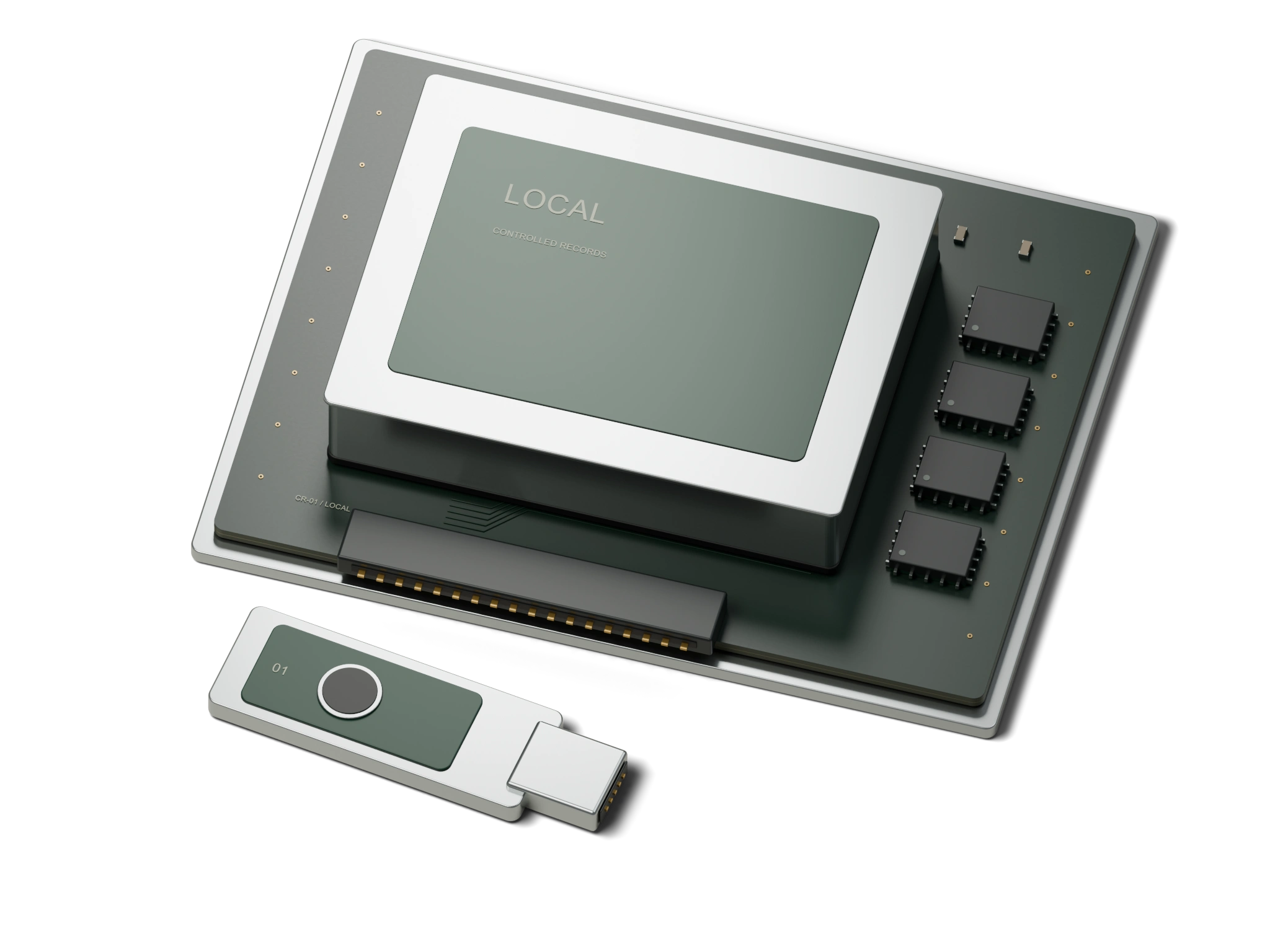
Draft proposals and review contract files on your own hardware. Controlled unclassified information (CUI) requires applicable safeguards and authorization.
PRE-ORDER ONLY / GENERAL SALES NOT YET OPEN
TASKS
Proposal outlines and compliance matrices from your RFPs.
Find material in your organization’s authorized local files.
Internal tools for spreadsheets, schedules, and reports.
02 / RECOMMENDED CONFIGURATION
A starting configuration for small federal teams working with authorized contract files.
Intended for 1–15 staff. Capacity is confirmed for the selected model during consultation. Includes 90-day Launch Care, with optional Managed Care afterward.
Privacy and installation
Choose authorized files, staff access, and support arrangements before installation. External AI model connections are blocked in the standard configuration.
QUESTIONS
No. Hardware alone does not provide CMMC certification. A Node provides a local environment your organization controls and can include in its documented system boundary. The clean room engagement includes documentation for your assessor.
Yes. NODE 01 uses SPLAY 35B A3B as its baseline. U.S.-developed alternatives can be selected during consultation. You can change the model without replacing the machine. Offices with specific requirements can also run gpt-oss, Llama, or Nemotron. In the standard installed configuration, traffic to external model services is blocked and tested within the customer’s documented system boundary.
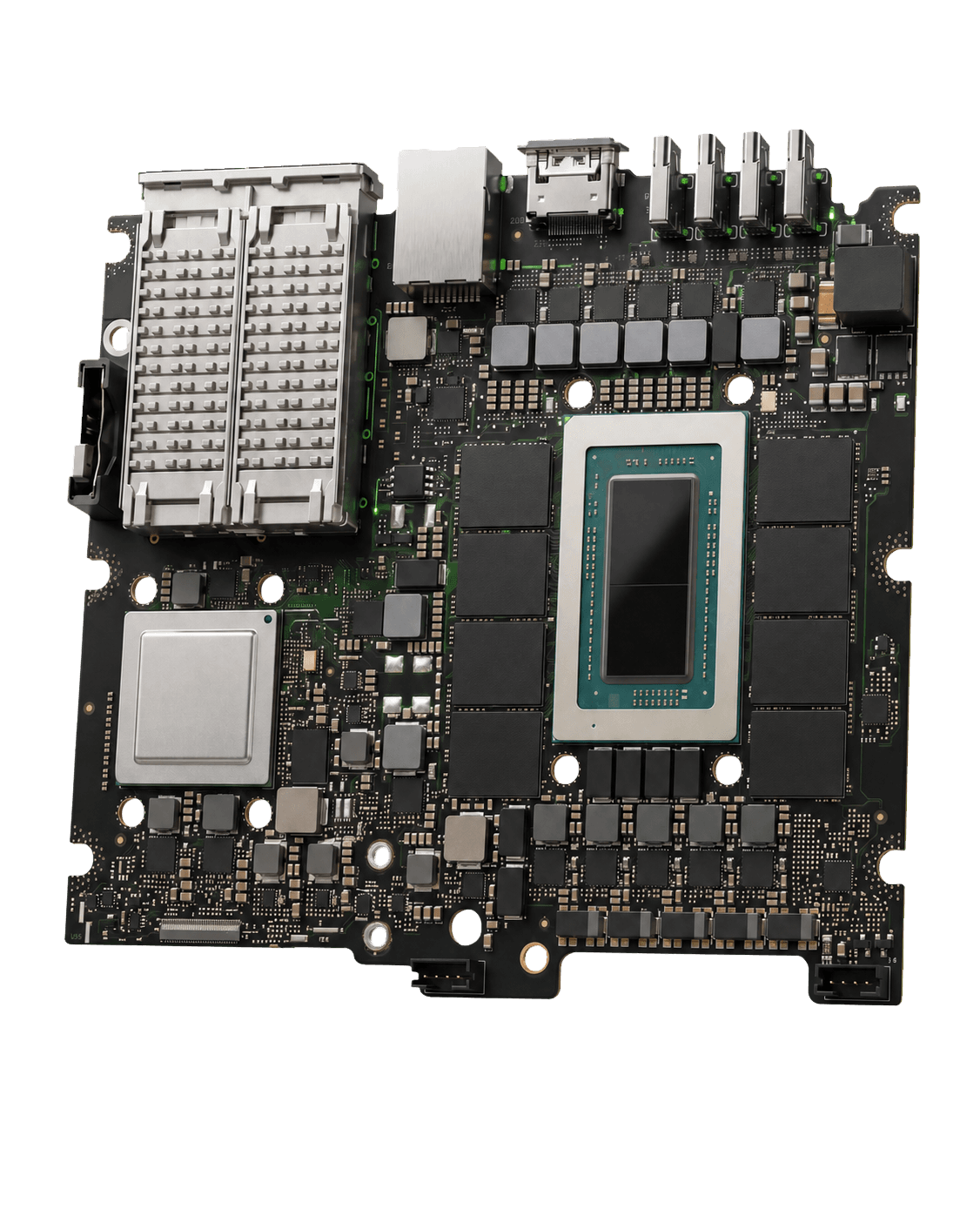
A SPLAY Node uses new commercial NVIDIA or NVIDIA-based hardware. SPLAY installs SplayOS and a validated model, configures the local interface, blocks connections to external AI models, tests recovery, and documents the system. The purchase includes on-site installation of the complete system.
Contact
Machines and services are by consultation only. Discuss your workload, network, and preferred configuration with Splay.