MEMBER SERVICES
Draft member responses, newsletters, and program updates from the policies and records your staff provide.
 SPLAYSCHEDULE A CALL
 APPLICATIONS / ASSOCIATIONS / BUSINESSES
Prepare member correspondence, board reports, proposals, and internal tools on hardware your organization owns. Association and business teams work with authorized records on their own network, with files and model traffic kept local in the standard configuration.
Processing takes place on your network. Staff review the output.
PRE-ORDER ONLY / GENERAL SALES NOT YET OPEN
TASKS
Choose a recurring task and use your own files to evaluate the results.
Draft member responses, newsletters, and program updates from the policies and records your staff provide.
Turn meeting notes and committee records into draft minutes, action lists, and board reports for staff review.
Prepare proposals, compare vendor bids, search internal procedures, and summarize spreadsheets on your own hardware.
02 / RECOMMENDED CONFIGURATION
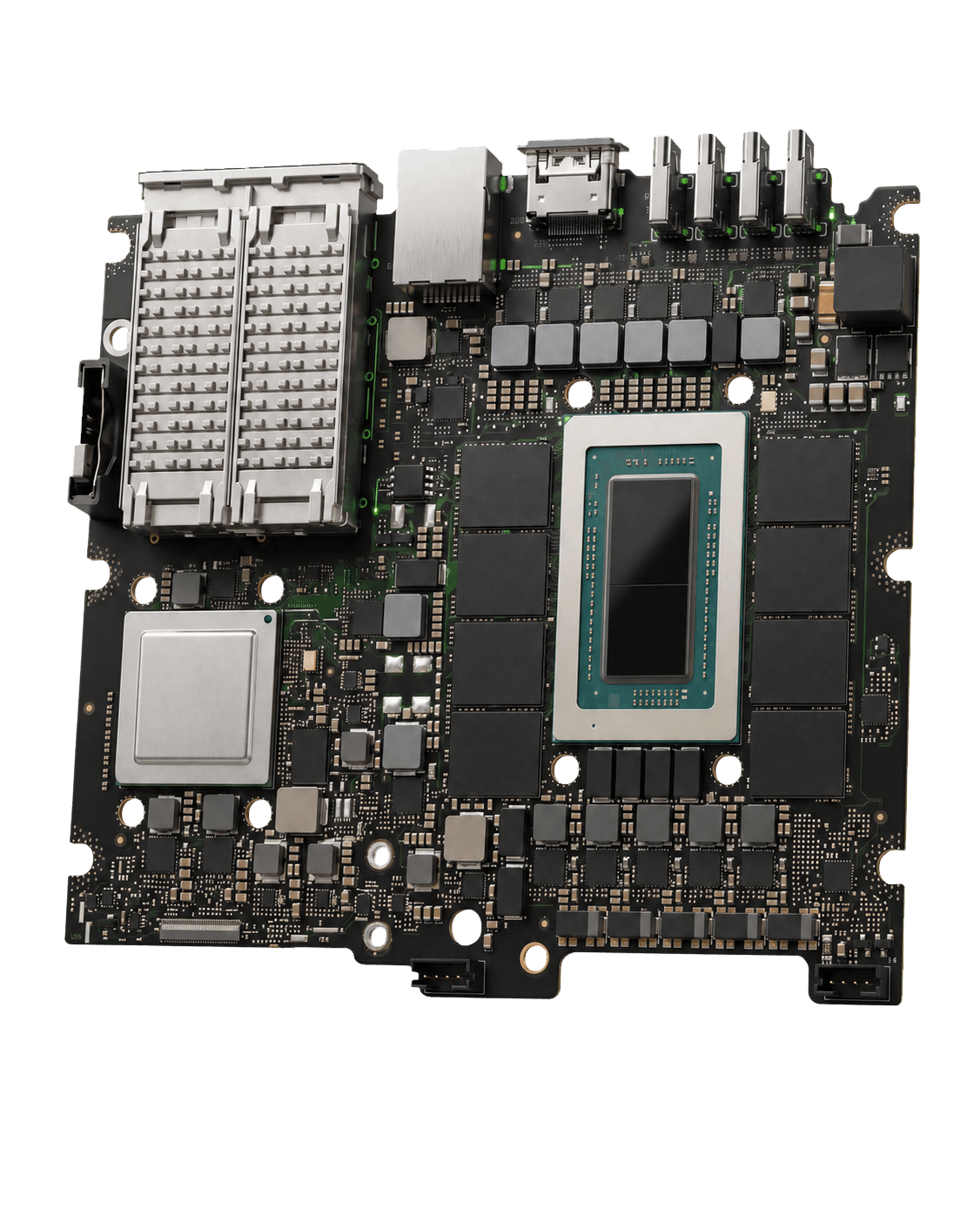
NODE 01 is the starting configuration for association staff and business teams with recurring document work. Consultation confirms the model and hardware for your files, tasks, and concurrent users.
Intended for 1–15 staff. Capacity is confirmed for the selected model during consultation. Includes 90-day Launch Care, with optional Managed Care afterward.
Privacy and installation
Your organization decides which records the model may use and which staff can access the system. The standard configuration blocks connections to external AI models. Confirm file permissions and support arrangements before installation.
QUESTIONS
Staff can work with records your organization authorizes for the task. The standard configuration processes files and model traffic locally and blocks connections to external AI models. Your organization controls staff access and decides which records may be used. Staff review generated correspondence and reports before distribution.
A standard Node works with documents, spreadsheets, scans, recordings, and exports you provide. Direct connections to your association management system, CRM, accounting software, or email are not included by default. Bring your software list to consultation so we can assess the tools and any separately scoped integration work you need.
Installation, operating documentation, and 90 days of Launch Care are included. Optional Managed Care, staff onboarding, training, and executive briefings are available by consultation. We agree on who will manage accounts, backups, and routine operations before installation. Support involving customer data uses an on-site or customer-controlled, authorized session.
Contact
Machines and services are by consultation only. Discuss your workload, network, and preferred configuration with Splay.