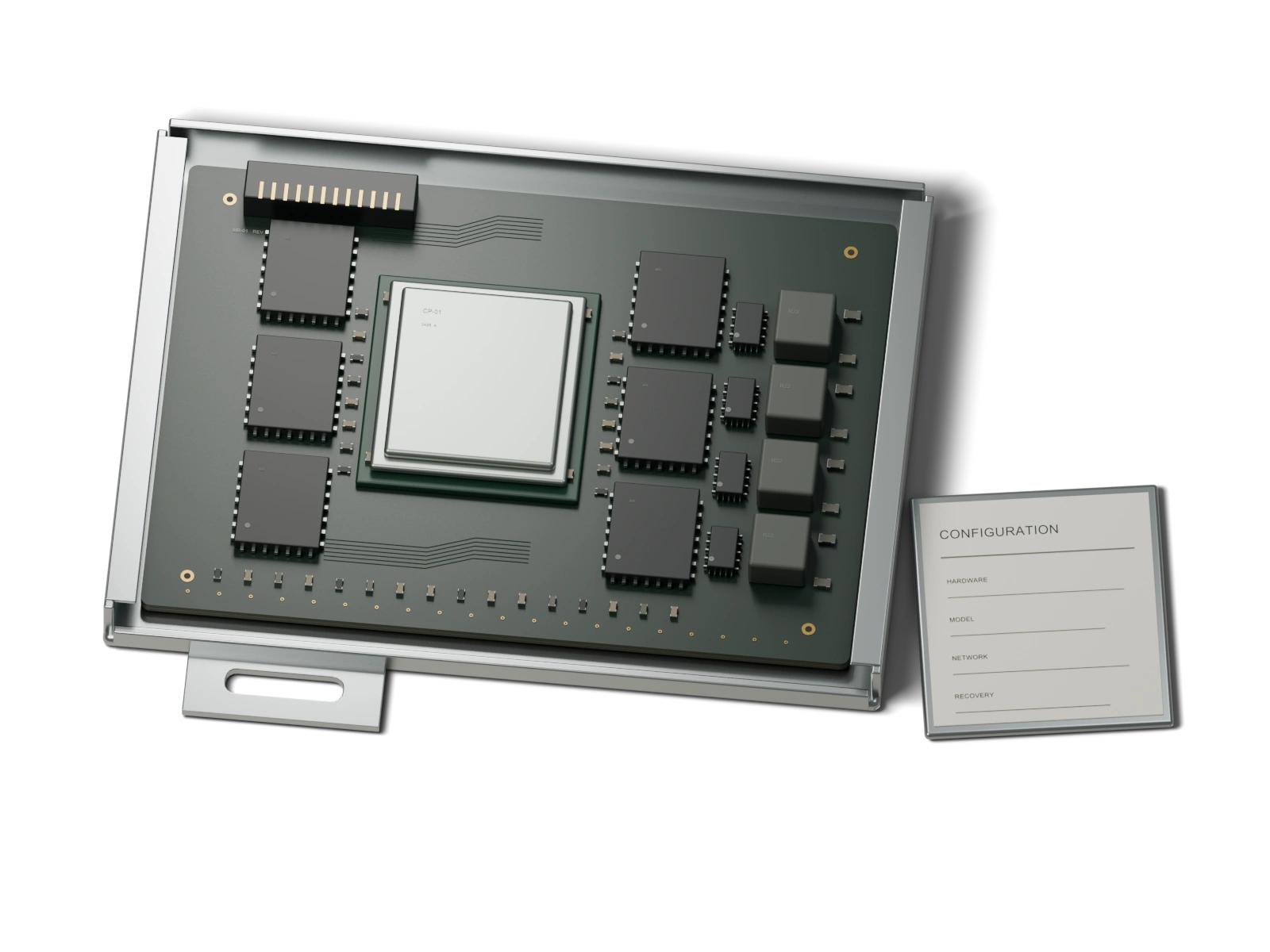
Hardware ownership
You own the machine and receive documentation for its configuration.
 SPLAYSCHEDULE A CALL
 SPLAY NODE
Splay installs and configures an AI machine in your building. Your staff uses it through a browser on your local network.
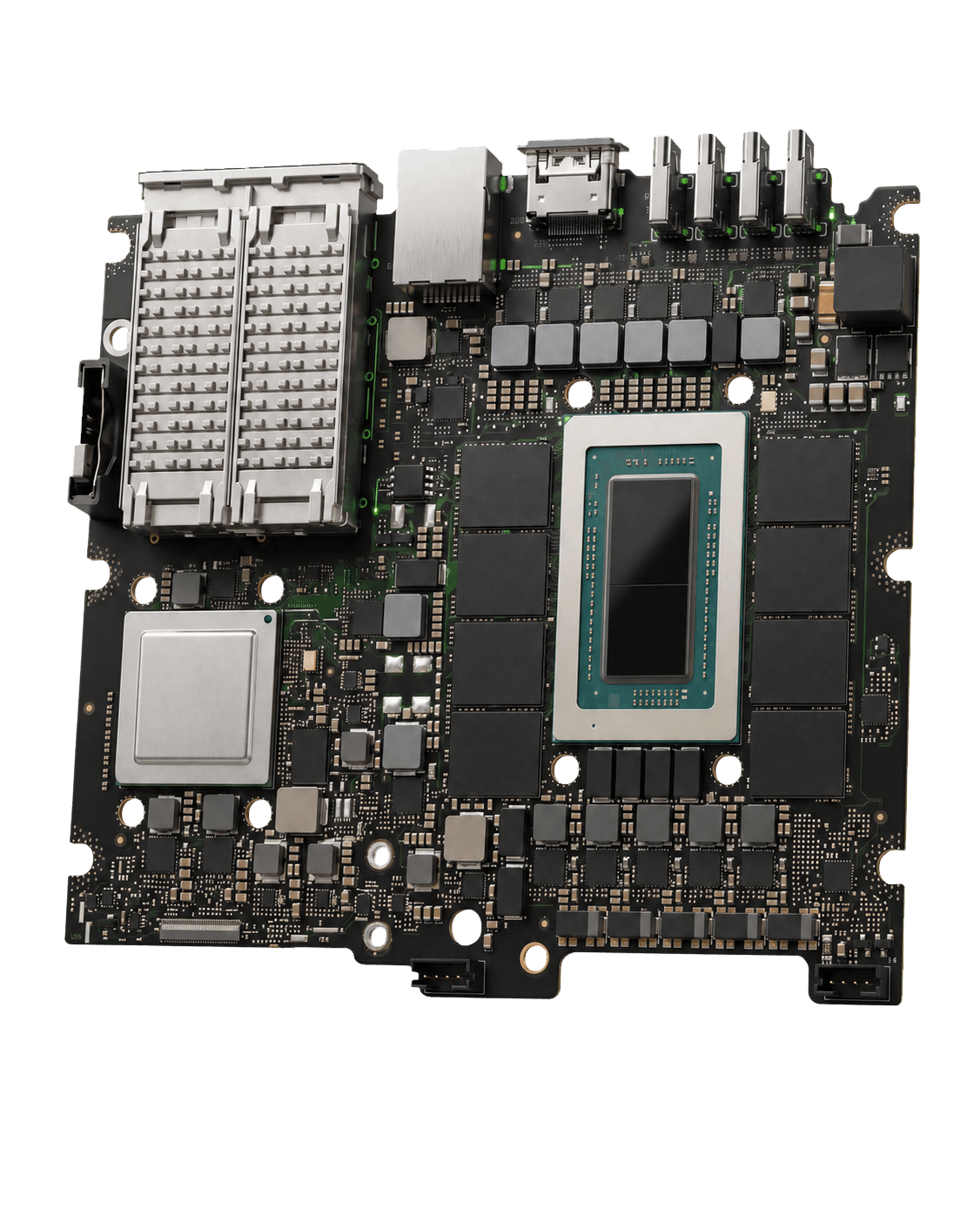
PRE-ORDER ONLY
By consultation only90-day Launch Care included
Explore NODE 01The system
Each Node includes the hardware, an installed AI model, and a browser interface configured for your staff.
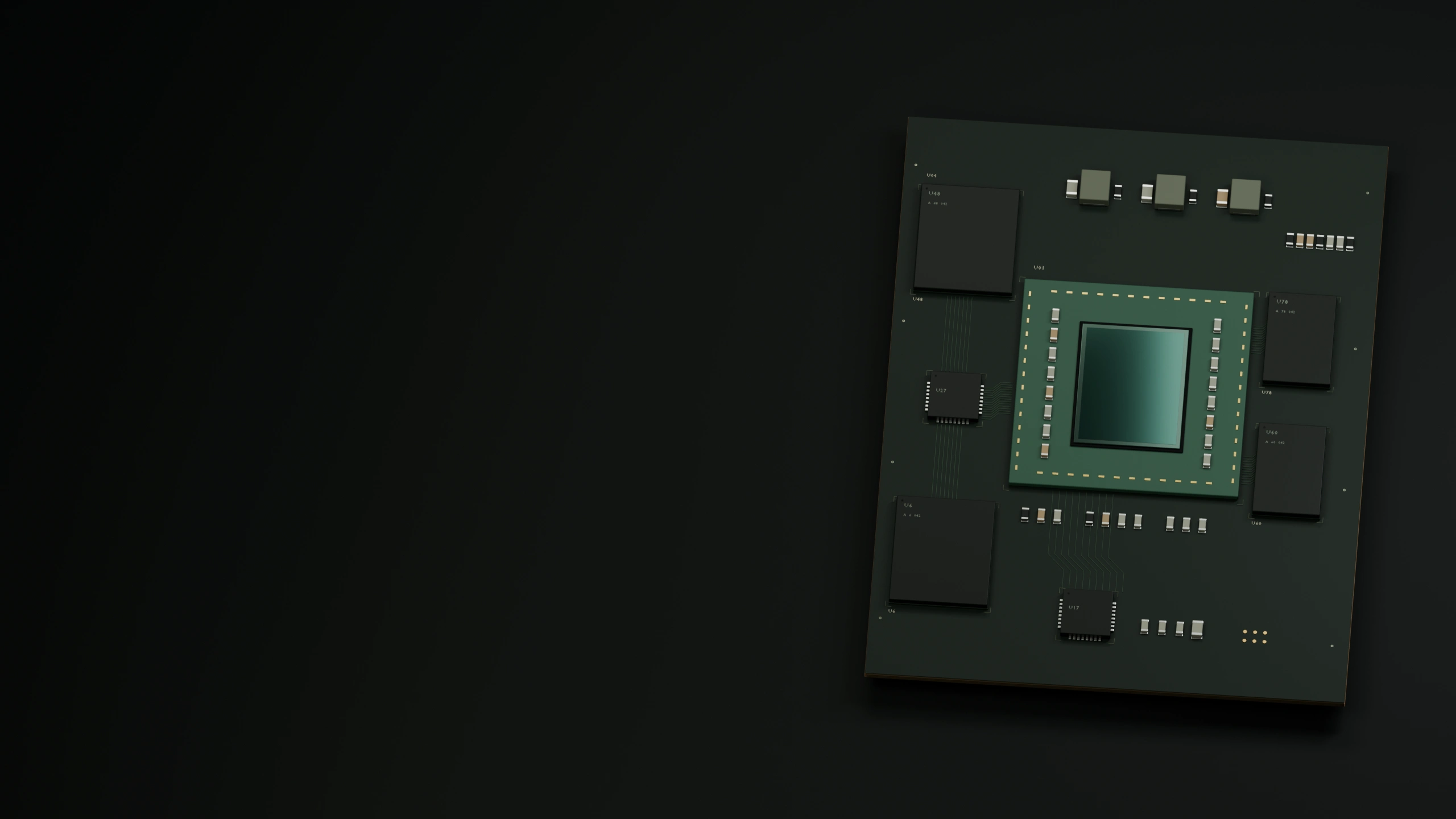
Standard configuration / system flow
In the standard installed configuration, files and model traffic stay on your machine. The system blocks connections to external AI models.
You own the machine and receive documentation for its configuration.
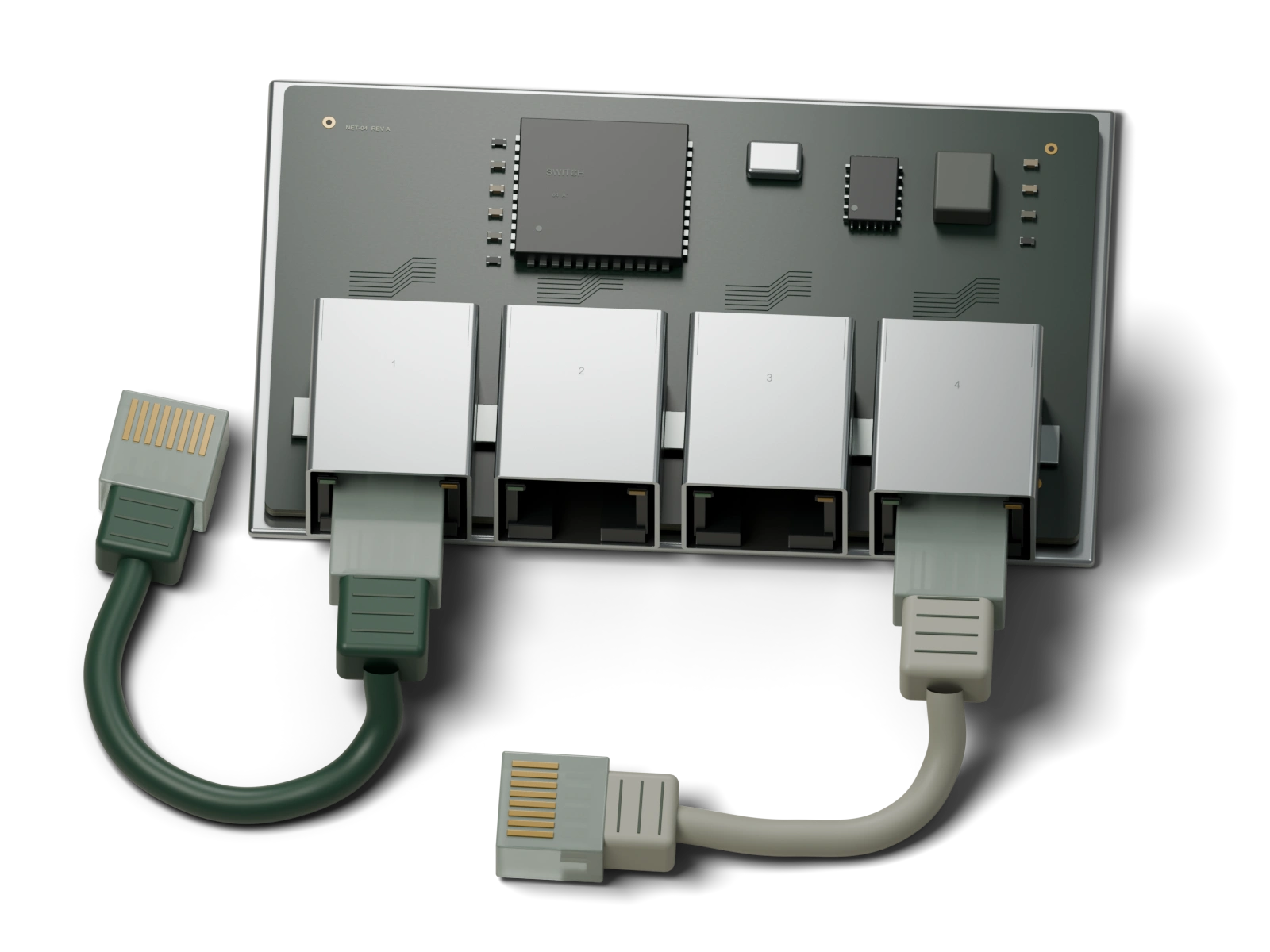
Staff use the local browser interface. Capacity depends on the machine.
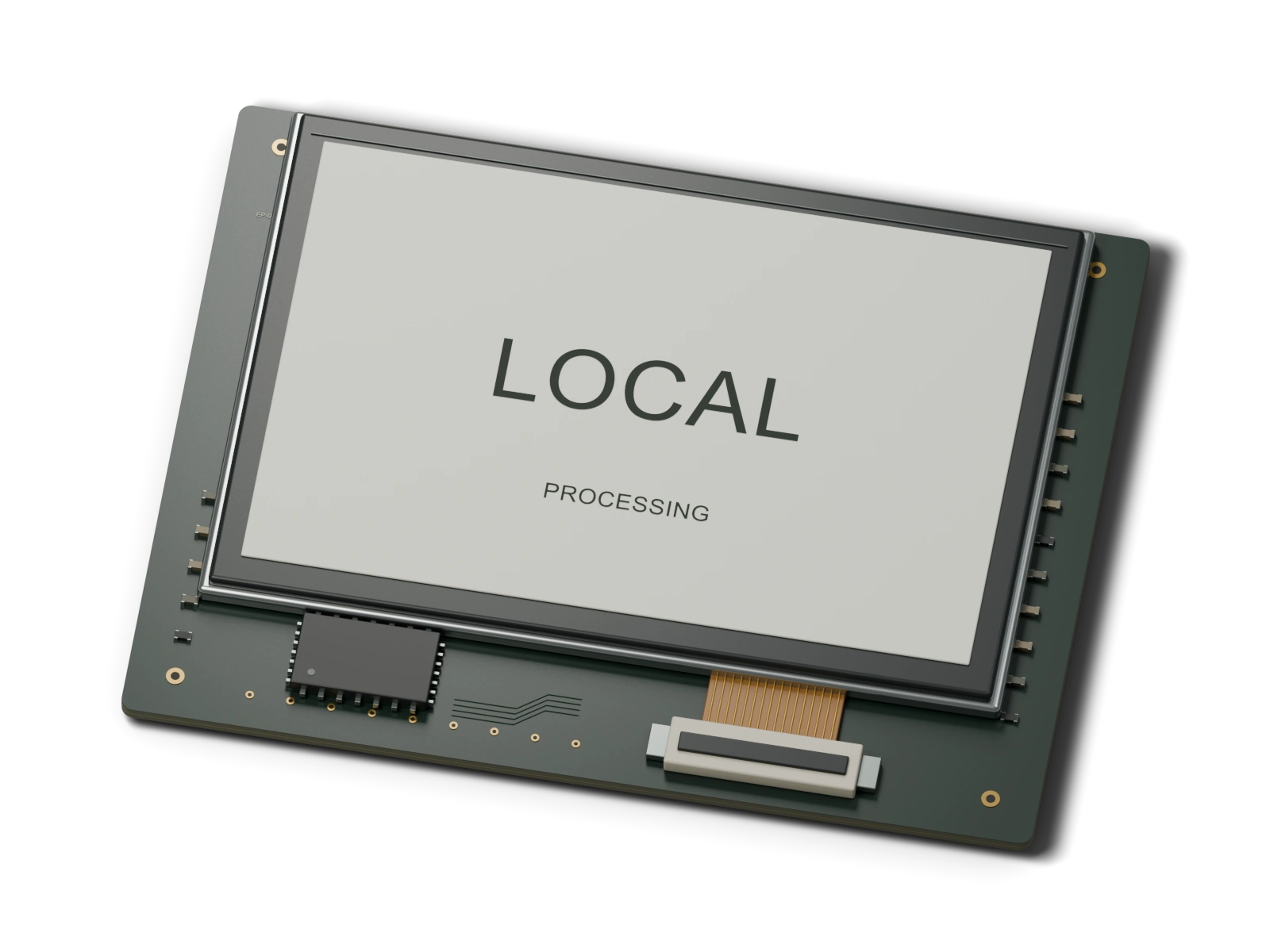
The standard configuration can operate without public internet.
Machines
Five standard configurations, from a desk system to larger installations. All include on-site installation and 90 days of Launch Care.
128GB
1-15 STAFF
By consultation only
256GB
16-30 STAFF, TWO MACHINES
By consultation only
512GB
UP TO 10 ON GLM-5.2 / UP TO 60 ACROSS SMALLER MODELS
By consultation only
All machines are pre-order only and by consultation only.
Compare all configurationsApplications
Draft documents, search your archive, compare records, and build small internal tools. Staff review the output before using it.
Installation
Splay configures and tests each Node before installation, then provides operating documentation and support.
Splay installs SplayOS and a validated model on new commercial hardware and configures staff accounts.
Splay tests restrictions on external model connections and verifies recovery before delivery.
Splay installs the Node on site. Staff access it at splay.local in a browser.
90-day Launch Care is included. Managed Care is optional afterward.
Contact
Machines and services are by consultation only. Discuss your workload, network, and preferred configuration with Splay.